
How To Enable 2Fa On Fortnite
Secure your Fortnite account with two-factor authentication. Protect against unauthorized access and potential hacks.
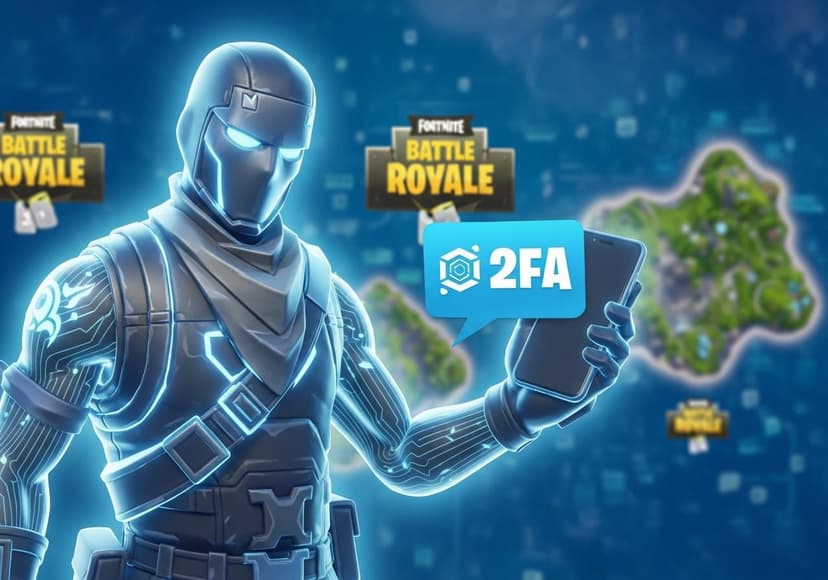
If you’re a passionate Fortnite player, securing your account should be a top priority. One of the best ways to enhance your Fortnite Account Security is by enabling Two Factor Authentication (2FA). In this blog, we’ll explore how to enable 2FA on Fortnite, the importance of Fortnite 2fa, and the sweet rewards that come with it!
Why You Should Use Fortnite Two Factor Authentication
As Fortnite continues to grow in popularity, the number of accounts being hacked is on the rise. Using Fortnite Two Factor Authentication not only helps protect your valuable in-game items and V-Bucks but also adds an extra layer of security to your Fortnite Account. In short, it helps safeguard against unauthorized access, ensuring that your Fortnite journey remains uninterrupted!
What Is 2FA in Fortnite?
2FA, short for Two Factor Authentication, is a security feature that requires you to provide two forms of verification before accessing your account. This means that even if someone gets their hands on your password, they won't be able to log in without the second factor, usually a code sent to your email or phone. If you want to ensure top-notch Fortnite Account Protection, embracing Fortnite 2 Factor Authentication is a must!
How to Enable 2FA Fortnite
Ready to enable 2FA on your Fortnite account? Follow these simple steps to enhance your account security:
- First, visit the official website of Epic Games.
- Log in to your Fortnite account using your credentials.
- Once you're logged in, look for the "Password & Security" tab in your account settings.
- Scroll down to find the option for Two Factor Authentication.
- Choose your preferred method of authentication: either via an authentication app or email verification.
- Follow the on-screen instructions to complete the setup!
Now you’ve successfully enabled Epic Games 2fa!
Rewarding Yourself with 2FA
Enabling Fortnite 2fa comes with some excellent perks too! You can unlock exclusive 2fa Fortnite Rewards such as special in-game cosmetics. Who doesn’t want a cool new skin, right? Once you have it enabled, don’t forget to claim those rewards. They’re like a cherry on top of your already secure account!
Troubleshooting Fortnite 2fa Not Working
Sometimes, even after following the steps for enabling Fortnite 2fa, you might still encounter issues. If you are facing situations where your Fortnite 2fa is not working, it could be due to a few reasons:
- Ensure that you have correctly entered your authentication code.
- Double-check if there are any updates necessary for your authentication app.
- If you are using email verification, ensure that you are checking the correct email account.
- For more help, visit this Microsoft Answers forum for community support.
What to Do If Your Fortnite Account is Hacked
If you suspect that your Fortnite Account has been hacked, it’s crucial to act swiftly. Start by resetting your password immediately. Then, enable Fortnite Two Factor Authentication, if you haven’t done so yet. This will help add some much-needed security to your account against future hacks. Don’t forget to reach out to Epic Games support to report the situation and seek additional help!
Final Thoughts
In today’s gaming world, it’s essential to prioritize your Fortnite Account Security. Enabling 2fa Fortnite not only adds that extra layer of protection but also rewards you for it! Remember, with great power comes great responsibility. So secure your Fortnite account, and enjoy those nifty 2fa Fortnite Rewards!
We hope this guide helped you understand How to Enable 2fa on Fortnite in a fun and easy way. Stay secure and have fun battling in Fortnite!
Related Posts

5 Ways To Improve Your Companys It Managed Services
Optimize IT managed services by focusing on automation, security, and proactive monitoring to enhance efficiency.
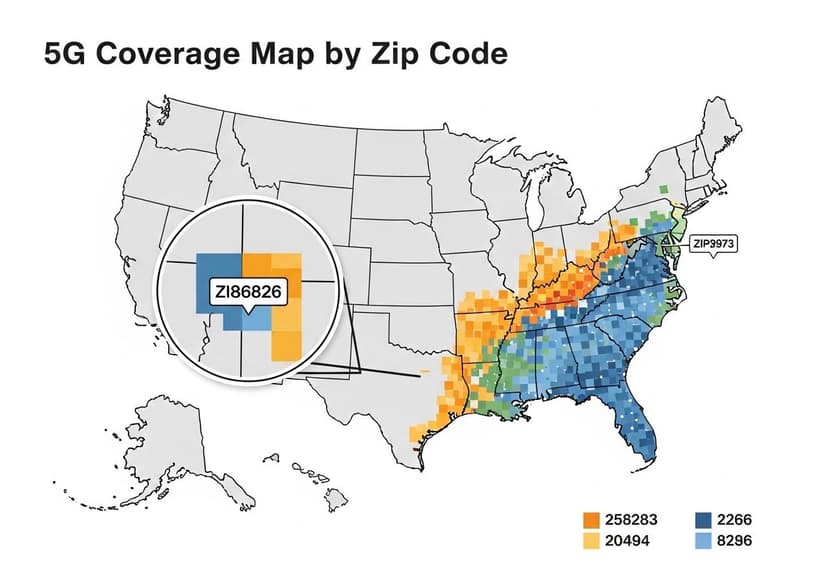
5G Coverage Map By Zip Code
Find detailed 5G coverage information by zip code, including availability and service quality.
5G Internet The Future Is Now
Enhanced speeds and connectivity redefine digital landscapes. Its impact spans industries, connecting everyone globally.